
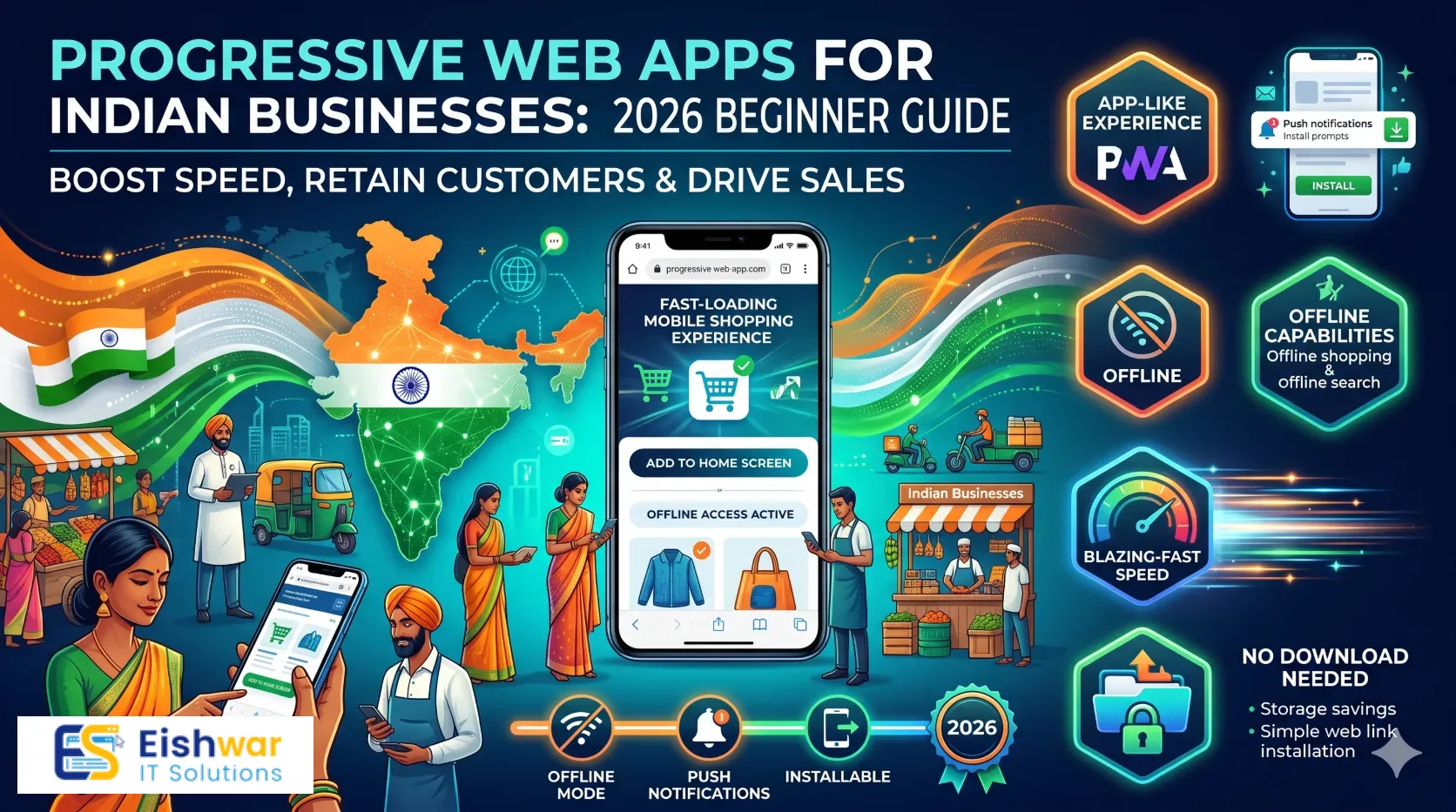
Progressive Web Apps for Indian Businesses: 2026 Beginner Guide
Published on: 19 Oct 2026
Progressive Web Apps for Indian Businesses: 2026 Beginner Guide
Introduction
Your customers are on their phones. They are browsing on patchy mobile networks, switching between apps, and deciding in seconds whether your business feels trustworthy. If your website loads slowly or feels clumsy on a mid-range Android phone, many of them will leave before they ever see your offer.
Learn more about our Website services
That is where Progressive Web Apps, or PWAs, can change the game. A PWA gives your website an app-like feel without forcing users to visit an app store. It can load fast, work with weak internet, appear on the home screen, and even send notifications. For Indian businesses, that mix of speed, reach, and affordability is hard to ignore.
This beginner's guide explains what a PWA is, why it matters for Indian businesses in 2026, how to plan one, what it may cost, and how to measure results. You do not need to be a developer to understand it. You only need to know how a better mobile experience can support your business goals.
Main Section 1: What Is a Progressive Web App and Why Does It Matter in India?
A Progressive Web App is a website built with modern web technology so it behaves more like a mobile app. It still lives on the web and can be found through Google, but it can also be installed on a user's home screen. Once installed, it may open without browser clutter, load faster on repeat visits, and show a fallback page when the internet drops.
The four building blocks of a PWA
- HTTPS: A PWA must run securely. This protects user data and is now a basic trust signal for any business website.
- Web app manifest: This is a simple file that tells the browser your app name, icons, colours, and how it should appear when installed.
- Service worker: This background script can cache important pages and assets. It helps your site load faster and handle weak or offline connections.
- Responsive design: The experience must work well on phones, tablets, and desktops. For India, phone-first design is usually the priority.
PWA vs native mobile app: a quick comparison
| Factor | Progressive Web App | Native Mobile App |
|---|---|---|
| Discovery | Found on Google and shared with a link | Found through app stores |
| Installation | Add to home screen in a few taps | Download and install from a store |
| Cost | Usually lower to build and maintain | Often higher across iOS and Android |
| Updates | Updated like a website | Requires store releases or update prompts |
| Device access | Good for common business needs | Stronger for advanced hardware features |
For many small and mid-sized Indian businesses, a PWA offers a practical middle path. You get app-like convenience without the cost of building and maintaining two native apps.
Why PWAs make business sense in India
- Mobile-first customers: Most buyers discover and compare businesses on smartphones. A fast mobile experience directly affects enquiries and sales.
- Storage and data sensitivity: Users may not want to download a large app for a single service. A PWA is lightweight and easy to install.
- Weak network resilience: Service workers can cache key pages so repeat visitors see content even when connectivity is poor.
- Lower acquisition friction: A link on WhatsApp, Instagram, or Google can lead directly to an installable experience without an app store step.
- Budget efficiency: One codebase can serve a wide audience across devices, which is helpful for growing Indian SMBs.
- Repeat engagement: Home screen access and notifications can bring customers back for offers, updates, and order tracking.
Consider a Jaipur-based D2C brand that sells handmade home decor. Instead of asking customers to download an app, it can offer a PWA where visitors browse products, add items to a wishlist, and get a notification when a new collection launches. A local service business can use a PWA to let customers book appointments, view pricing, and access support offline. These are practical, revenue-linked use cases, not just technology experiments.
👉 Don't wait for the perfect moment; turn your vision into reality today.
Free ConsultationMain Section 2: How to Plan and Build a PWA for Your Business
A PWA is not a magic switch. It works best when it is tied to a clear business goal. Follow these steps to plan and build one without overcomplicating the project.
Step 1: Define the business goal before the technology
Ask what you want the PWA to improve. Do you want more enquiries, faster repeat purchases, better customer retention, lower support calls, or more bookings? Write down one primary goal and two secondary goals. For example, an interior design studio might focus on increasing consultation bookings and secondarily on showcasing project galleries even when users are offline.
Step 2: Choose the right PWA approach
There are three common routes. First, you can add PWA features to your existing website, such as a manifest, service worker, and faster mobile pages. Second, you can rebuild your mobile experience as a mobile-first PWA with a strong app-like interface. Third, you can use a headless CMS or modern framework to create a flexible PWA that connects to your existing systems. The right route depends on your current website, budget, and growth plans.
Step 3: Prepare the technical foundation
Your site should be secure with HTTPS, fast on mobile, and cleanly structured for search engines. Set up a web app manifest with your logo, brand colours, and icons. Plan a caching strategy for key pages such as home, products, services, contact, and blog. Do not cache everything blindly. Cache what improves repeat visits, and ensure users can refresh content when needed.
Step 4: Design an app-like experience that still feels like your website
Keep navigation simple. Use clear buttons, large tap targets, readable text, and short forms. Avoid copying a desktop layout into a smaller screen. The installed PWA should open quickly and show the most useful content first. For Indian users, consider language options, low-data image sizes, and WhatsApp-based support or sharing where relevant.
Step 5: Test on real Indian devices and networks
Do not test only on a high-end phone with office Wi-Fi. Test on mid-range Android devices, slower connections, and different browsers. Use Google Lighthouse and Chrome DevTools to check speed, accessibility, and PWA readiness. Ask real customers to try the install flow. If they hesitate or get confused, simplify it.
Step 6: Launch with measurement in place
Before launch, set up analytics events for installs, add-to-home-screen actions, offline page views, notification opt-ins, form submissions, and purchases. Launch to a small audience first, then expand. A controlled launch helps you catch bugs and learn what users actually do.
👉 Free Website Audit
Get Free AuditIndicative PWA costs in India can vary widely. A basic PWA layer on an existing small business website may start around ₹50,000 to ₹1,50,000. A custom PWA with advanced features, integrations, and a polished mobile experience may range from ₹2,00,000 to ₹6,00,000 or more. Complexity, content, integrations, and ongoing maintenance affect the final cost.
Main Section 3: PWA SEO, Measurement, and Business Impact
One common myth is that a PWA will hurt SEO because it behaves like an app. In reality, a well-built PWA is still a website. Its pages can be crawled, indexed, and ranked like any other website when you follow SEO best practices.
Does a PWA help or hurt SEO?
A PWA can support SEO indirectly by improving speed, mobile usability, and repeat visits. Search engines reward pages that load quickly and work well on mobile. However, you must still use clean URLs, proper headings, descriptive title tags, structured content, and crawlable links. Do not hide important content behind install prompts or app-only screens. Keep core service and product information accessible to first-time visitors and search engine bots.
What to measure after launch
- Core Web Vitals: Track loading speed, interactivity, and visual stability on mobile.
- Install rate: See how many visitors add the PWA to their home screen.
- Repeat visits: Check whether installed users return more often than regular website visitors.
- Conversion rate: Compare enquiries, bookings, or sales before and after the PWA launch.
- Offline usage: Understand which pages people open when connectivity is weak.
- Notification performance: Measure opt-in rate, open rate, and unsubscribe rate. Use notifications sparingly.
When a PWA is not the right fit
A PWA is great for content, commerce, bookings, catalogues, customer portals, and service businesses. It may not be ideal if your product depends on advanced hardware access, heavy gaming graphics, or deep device-native integrations. In those cases, a native app may still make sense. For most Indian SMBs, however, a PWA is often enough to deliver a better mobile experience and improve conversion.
Expert Tips
- Start with your fastest pages. Improve your top landing pages first. A PWA cannot fix a slow, cluttered website.
- Do not force installation. Show the install prompt only after users have shown interest, such as after viewing a product or reading a service page.
- Design a useful offline page. Show contact details, saved pages, or a friendly message instead of a browser error.
- Use notifications with restraint. Send offers or updates only when they are genuinely useful. Too many notifications lead to uninstalls or muted alerts.
- Keep content crawlable. Make sure search engines can access your main pages without installing the PWA.
- Review performance monthly. Speed and user behaviour change over time. Use analytics to find new friction points.
Common Mistakes
- Treating a PWA as a magic fix for a weak website or unclear offer.
- Skipping mobile UX research and designing for high-end phones only.
- Caching too much content and showing outdated prices, offers, or stock information.
- Ignoring iPhone users. PWA support has improved, but behaviour can differ across iOS and Android.
- Asking for notification permission too early, before trust is built.
- Launching without analytics, then having no way to prove business impact.
- Forgetting to update the service worker when website content or structure changes.
Future Trends
- More Indian SMBs will use PWAs as a cost-effective alternative to separate Android and iOS apps.
- PWA experiences will become more personalised through AI-driven recommendations and local content.
- Better offline capabilities will help businesses in areas with inconsistent connectivity.
- App stores and browsers may continue to blur the line between websites and installable apps.
- Privacy-first analytics will push businesses to measure value without over-collecting user data.
FAQs
Are Progressive Web Apps good for Indian small businesses?
Yes, for many small businesses they are a practical choice. PWAs are usually cheaper than native apps, easy to share through links, and effective for mobile-first customers who want quick access to products, services, or bookings.
👉 Free Homepage Demo
Book DemoCan a PWA rank on Google?
Yes. A PWA is still a website. If your pages are crawlable, fast, mobile-friendly, and well-structured, they can rank on Google like any other website.
How much does a PWA cost in India?
A basic PWA enhancement can start around ₹50,000 to ₹1,50,000. A custom PWA with advanced features may cost ₹2,00,000 to ₹6,00,000 or more. The final cost depends on design, integrations, content, and maintenance needs.
Can a PWA work offline?
It can work partially offline by caching selected pages and assets. For example, users may view saved product pages, contact details, or a friendly offline message even when their connection drops.
Is a PWA better than a native app?
It depends on your needs. A PWA is often better for reach, speed to market, and budget. A native app may be better for advanced hardware features, complex animations, or heavy mobile app functionality.
Do PWAs work on iPhone?
Yes, PWAs can work on iPhone, but support and behaviour may differ from Android. You should test key features such as installation, offline mode, and notifications across both platforms.
How long does it take to build a PWA?
A simple PWA layer may take a few weeks. A custom PWA with complex integrations and a new mobile experience can take two to four months or more, depending on scope and feedback cycles.
Conclusion
Progressive Web Apps are no longer a futuristic add-on for large brands. They are a practical way for Indian businesses to deliver faster, more reliable, app-like experiences without the cost and complexity of native apps. Start with a clear business goal, improve your mobile foundation, and measure results honestly. A PWA works best when it supports a real customer journey, not when it is treated as a technology badge.
CTA
Ready to explore whether a PWA is right for your business? Talk to EishwarITSolution for a practical website development review. We can help you assess your current site, plan a mobile-first PWA roadmap, and build an experience that supports your business goals. Book a consultation with EishwarITSolution.