
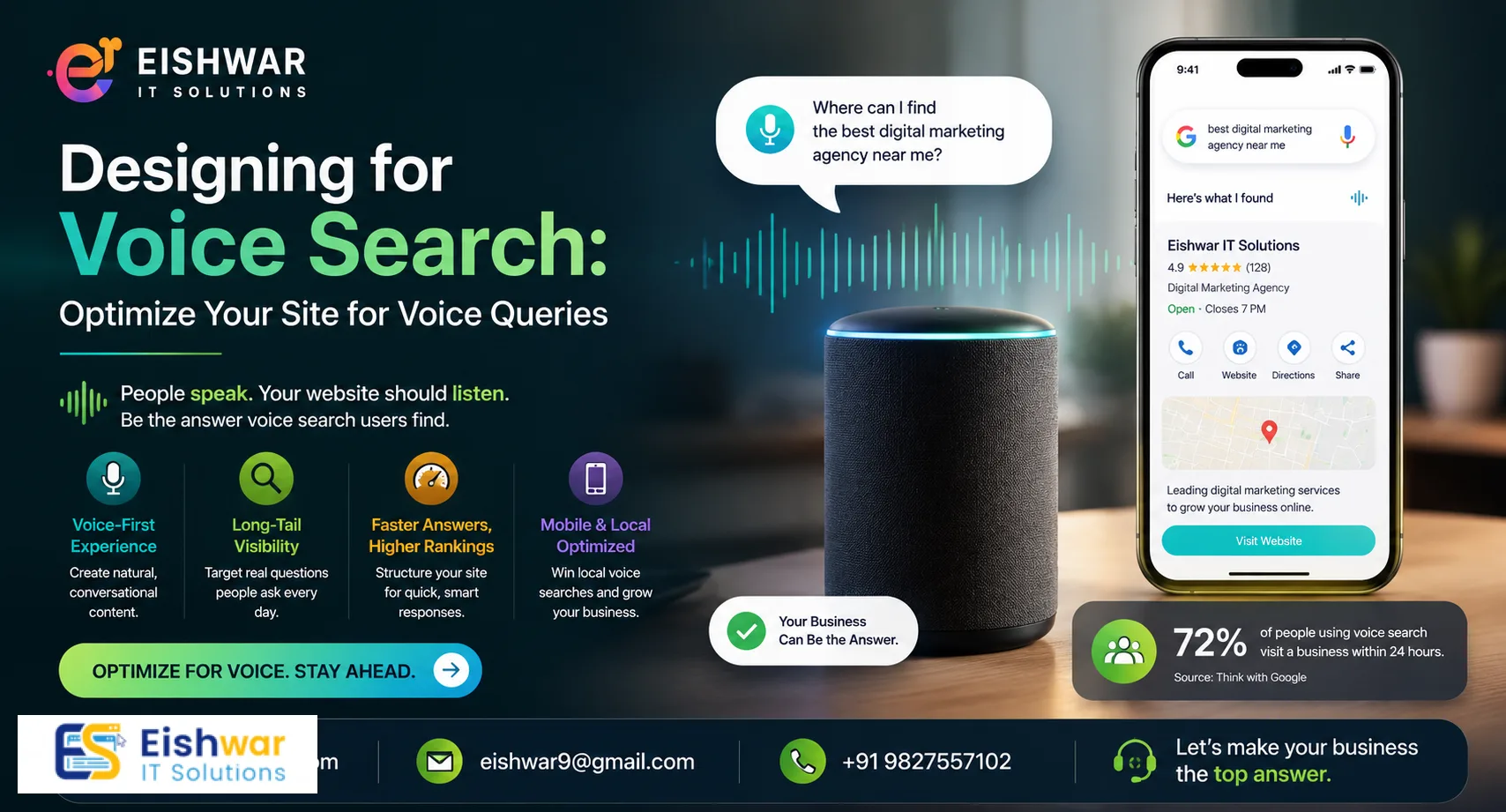
Designing for Voice Search: Optimize Your Site for Voice Queries
Published on: 10 Jun 2026
Designing for Voice Search: How to Optimize Your Website for Voice-Activated Queries
Introduction
Imagine asking your phone, "Where can I get the best web design services in India?" and your site appears as the top result. That's the power of voice search. With smart speakers and voice assistants becoming household staples, optimizing your website for voice queries is no longer optional—it's essential. At EishwarITSolution, we help business owners, marketers, and professionals stay ahead of the curve. In this guide, we'll walk you through practical steps to design your site for voice search success.
Learn more about our Website services
Main Section 1: Understanding Voice Search Behavior
Voice search changes how people phrase queries. Instead of typing "best web design company India," they say, "What is the best web design company in India?" This conversational tone means your content must answer natural language questions. Studies show that over 50% of searches will be voice-based by 2025. Users expect quick, accurate answers—often in under 5 seconds. Your website design must prioritize speed, clarity, and direct answers. For example, a user might ask, "How do I fix a leaky faucet?" and expect a step-by-step guide, not a generic plumbing page. To meet this demand, structure your content around common questions your audience asks. Use tools like AnswerThePublic or Google's "People Also Ask" to identify these queries. Also, consider the context: voice searches often happen while multitasking (e.g., driving or cooking), so your answers should be concise and actionable. A practical tip is to create a dedicated FAQ section that mirrors real user questions, such as "What are the best web design tools for beginners?" or "How long does it take to build a website?" This aligns with the conversational nature of voice queries and improves your chances of being featured in voice results.
Main Section 2: Key Design Elements for Voice Search
1. Speed is King: Voice search results load fast. Use compressed images, lazy loading, and a reliable hosting provider. Aim for a load time under 2 seconds. For instance, a site that takes 3 seconds to load loses 40% of visitors. Use tools like Google PageSpeed Insights to identify bottlenecks, such as unoptimized images or render-blocking JavaScript. A practical example: compress images using formats like WebP, which reduces file size by 25-35% without quality loss. Also, implement browser caching to store static resources locally, speeding up repeat visits.
2. Structured Data (Schema Markup): Implement FAQ schema, HowTo schema, and LocalBusiness schema. This helps search engines understand your content and display rich snippets in voice results. For example, adding FAQ schema to your "How to choose a web design company" page can result in a direct answer in Google Assistant. Use Google's Structured Data Testing Tool to validate your markup. A detailed tip: for e-commerce sites, add Product schema with reviews and pricing, as voice assistants often read these aloud. For local businesses, include LocalBusiness schema with address, phone number, and hours to boost "near me" queries.
3. Mobile-First Design: Most voice searches happen on mobile devices. Ensure your site is fully responsive with touch-friendly buttons and readable fonts. Test your site on various devices using Chrome DevTools' mobile emulator. For example, buttons should be at least 48x48 pixels to prevent misclicks, and font sizes should be at least 16px for readability. Also, avoid pop-ups that cover content, as they frustrate mobile users and hurt SEO. A practical tip: use a mobile-first CSS framework like Bootstrap or Foundation to streamline responsive design.
👉 Don't wait for the perfect moment; turn your vision into reality today.
Free Consultation4. Conversational Content: Write in a natural, question-answer format. Use headings like "How to choose a web design company" or "What are the benefits of voice search optimization?" For example, instead of a heading like "Services," use "What web design services do we offer?" This mirrors how users ask questions. Also, include long-tail keywords naturally within paragraphs. For instance, if you're a bakery, write, "Looking for gluten-free cupcakes in Austin? We deliver fresh ones daily." This matches voice queries like "Where can I find gluten-free cupcakes in Austin?"
5. Local SEO Integration: Voice searches are often local. Include location-specific keywords (e.g., "web design services in Mumbai") and claim your Google My Business listing. For example, a user might say, "Find a pizza place near me" and expect results within a 5-mile radius. Optimize your Google My Business profile with accurate hours, photos, and categories. Also, encourage customer reviews, as voice assistants prioritize businesses with high ratings. A practical tip: add location pages on your site, such as "Web Design Services in Bangalore," with unique content about that area.
Main Section 3: Content Optimization for Voice Queries
Your content should directly answer common questions. Create an FAQ page with real user questions. Use bullet points and short paragraphs for scannability. For example, if you run a web design agency, answer: "How much does a professional website cost?" or "What is the best platform for e-commerce?" Include these in your page content and meta descriptions. Also, leverage featured snippets by providing concise answers (40-50 words) to key questions. For instance, for the query "What is voice search optimization?" your snippet could be: "Voice search optimization is the process of tailoring your website to answer voice-activated queries from assistants like Siri, Google Assistant, and Alexa, focusing on natural language and speed." Use tools like SEMrush or Ahrefs to identify featured snippet opportunities. Additionally, structure your content with clear headings (H2, H3) and use numbered lists or tables for data. For example, a table comparing web design platforms (e.g., WordPress vs. Wix) can be read aloud by voice assistants. Another tip: include a "People Also Ask" section on your pages, as this mirrors voice search patterns and improves engagement.
Expert Tips
- Use Long-Tail Keywords: Voice queries are longer. Target phrases like "affordable web design for small businesses in Pune" instead of just "web design." For example, a user might say, "What's the best web design company for startups in Delhi?" Use tools like Google Keyword Planner to find these phrases. Incorporate them into headings, meta descriptions, and body text naturally.
- Optimize for "Near Me" Searches: Include phrases like "near me" or "in [city]" naturally in your content. For instance, a restaurant could write, "Visit our Italian restaurant near Central Park for fresh pasta." Also, add location-specific landing pages to capture local traffic.
- Improve Page Authority: Voice assistants pull from authoritative sources. Build backlinks and maintain high-quality content. For example, guest post on reputable sites like Forbes or TechCrunch, and earn links from local directories. Also, update your content regularly to keep it fresh.
- Test with Voice Assistants: Use Google Assistant or Alexa to test how your site answers common queries. For instance, say, "Hey Google, ask my site about web design costs" and see if the response is accurate. Adjust your content based on feedback.
- Use Natural Language in URLs: Instead of /services/web-design, use /how-to-choose-a-web-design-company. This matches voice search patterns and improves readability.
Common Mistakes
- Ignoring Mobile Optimization: A non-mobile-friendly site kills voice search performance. For example, a site with tiny buttons or slow load times on mobile will be ignored by voice assistants. Test your site on real devices, not just emulators.
- Keyword Stuffing: Voice search rewards natural language, not forced keywords. For instance, repeating "web design India" ten times in a paragraph sounds unnatural and hurts readability. Instead, use synonyms and variations like "website development in India" or "Indian web design services."
- Slow Load Times: Users and search engines abandon slow sites. For example, a site that takes 5 seconds to load loses 50% of mobile users. Use tools like GTmetrix to identify issues and fix them, such as enabling compression or reducing server response time.
- Missing Schema Markup: Without structured data, your content may not appear in voice results. For instance, a recipe site without HowTo schema won't be read aloud by Google Assistant. Implement schema for all relevant content types.
- Neglecting User Intent: Voice queries often have specific intent (e.g., informational, transactional). For example, a query like "Buy running shoes online" requires a product page, not a blog post. Match your content to the intent behind the query.
Future Trends
Voice search will become more visual with smart displays showing results alongside spoken answers. Expect integration with AI chatbots and personalized voice experiences. By 2027, voice commerce (v-commerce) will grow, so design your site for seamless voice-based transactions. For example, a user might say, "Order my usual pizza" and expect the assistant to complete the purchase. To prepare, implement voice-activated shopping carts and payment systems. Also, consider multilingual voice search as global adoption increases. For instance, optimize your site for Hindi or Spanish voice queries if you serve diverse audiences. Another trend is voice search for IoT devices, like smart refrigerators ordering groceries. Stay ahead by adopting these trends now, such as adding voice search functionality to your site via APIs like Google Cloud Speech-to-Text.
👉 Free Website Audit
Get Free AuditFAQs
- What is voice search optimization? It's the process of making your website content and design compatible with voice-activated queries from assistants like Siri, Google Assistant, and Alexa. This includes using natural language, structured data, and fast load times to ensure your site appears in voice results.
- Do I need to redesign my entire website for voice search? Not necessarily. Focus on speed, mobile responsiveness, structured data, and conversational content. Small tweaks can yield big results. For example, adding FAQ schema and improving load times can boost your voice search presence without a full redesign.
- How long does it take to see results from voice search optimization? Typically 3-6 months, depending on your site's current authority and competition. For a new site, it may take longer. Consistency in content updates and SEO practices accelerates results.
- Is voice search important for local businesses? Absolutely. Over 70% of voice searches are local. Optimizing for "near me" queries can drive foot traffic. For example, a local coffee shop can attract customers by using phrases like "best espresso near Times Square" in its content.
- Can voice search work for e-commerce sites? Yes. Optimize product descriptions for natural language queries and implement schema for products and reviews. For instance, a user might say, "Find me a red dress under $50" and your product page with proper schema can be the top result.
- What are the best tools for voice search optimization? Tools like Google Search Console, SEMrush, and AnswerThePublic help identify voice search queries. Also, use Google's Structured Data Testing Tool to validate schema markup.
- How do I measure voice search success? Track metrics like organic traffic from mobile devices, featured snippet appearances, and conversions from voice queries. Use Google Analytics to monitor changes in user behavior, such as increased time on site from voice search traffic.
Conclusion
Voice search is not a passing trend—it's the future of how people find information online. By optimizing your website design for voice queries, you improve user experience, boost SEO, and stay competitive. Start with small changes like adding schema markup and writing conversational content. For expert help, partner with EishwarITSolution to future-proof your online presence.
👉 Free Homepage Demo
Book DemoCTA
Ready to make your website voice-search ready? Contact EishwarITSolution today for a free consultation. Let's design a site that speaks to your customers—literally.