
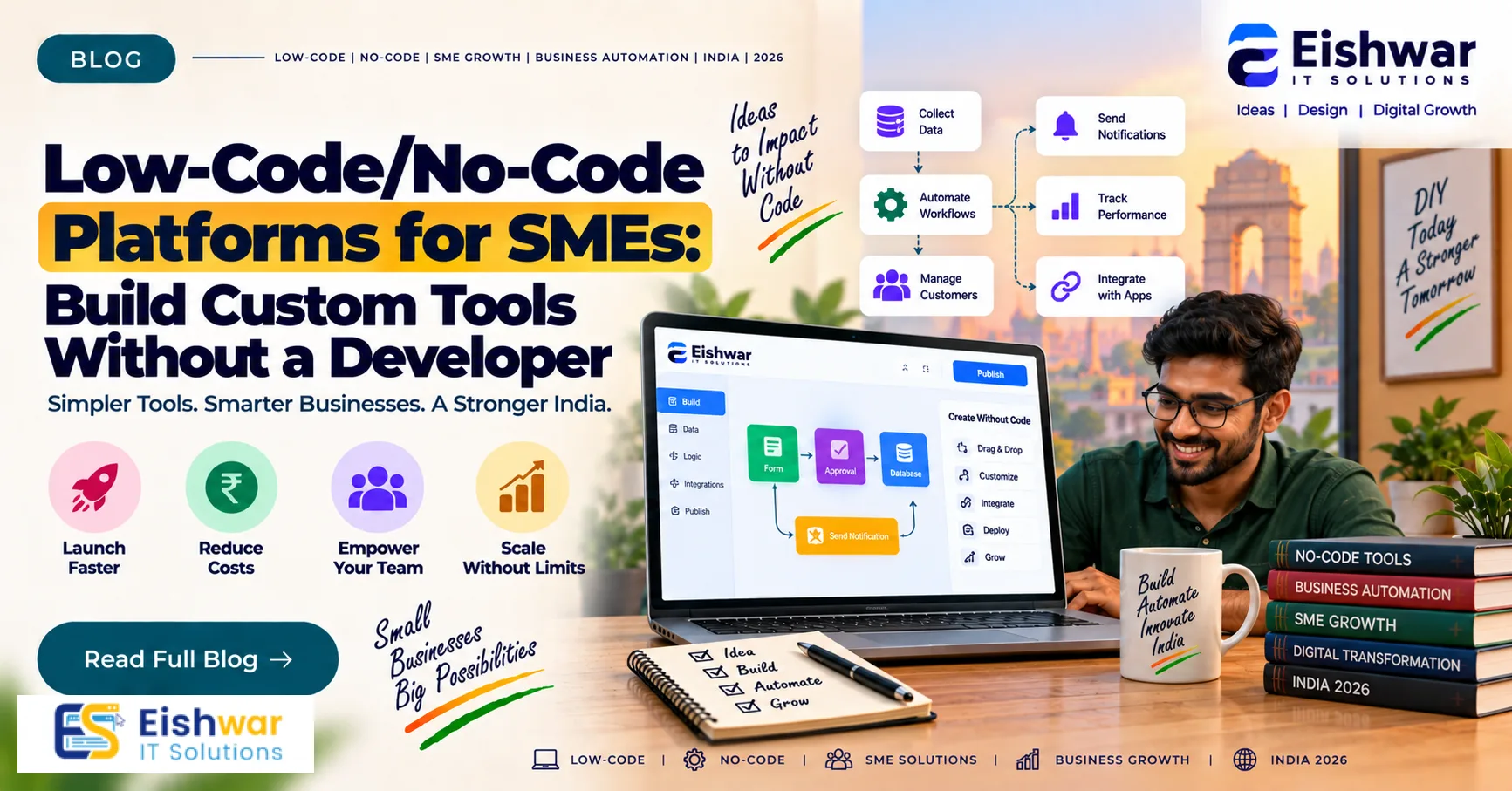
Low-Code/No-Code Platforms for SMEs: Build Custom Tools Without a Deve
Published on: 14 Aug 2026
Low-Code/No-Code Platforms for SMEs: Build Custom Tools Without a Developer
Introduction
Imagine you run a small manufacturing unit in Pune. Your team juggles spreadsheets to track orders, WhatsApp for customer queries, and email for approvals. Every month, you lose hours reconciling data. You know a custom software solution would fix this, but hiring a developer costs ₹50,000–₹1,00,000 a month—a luxury your budget can't afford.
Learn more about our Website services
This is where low-code and no-code platforms come in. They let you build custom tools—like an order tracking dashboard or an approval workflow—using drag-and-drop interfaces, not code. For Indian SMEs, this is a game-changer. In this guide, we'll explore how you can leverage these platforms to build solutions, automate tasks, and scale without a technical team.
Main Section 1: What Are Low-Code and No-Code Platforms?
Low-code and no-code platforms are software environments that allow users to create applications through visual interfaces. You don't write lines of code; instead, you drag elements, set triggers, and connect services. Think of it like building with LEGO blocks—each block is a pre-built function, and you snap them together to create a workflow or app.
Key difference: No-code platforms are designed for business users with zero programming knowledge. They rely entirely on visual modeling. Low-code platforms may require some technical skills, like writing small snippets of code for custom logic, but they still reduce coding drastically compared to traditional development.
Popular examples:
- No-code: Bubble, Webflow, Airtable, Glide, Zapier, Make (formerly Integromat)
- Low-code: Microsoft Power Apps, OutSystems, Mendix, Appian
These platforms are hosted in the cloud, so you don't need to manage servers. They often include pre-built templates for common business needs like CRM, inventory, and project management. For instance, Airtable offers a CRM template that you can customize in minutes, while Bubble provides a blank canvas for building complex web apps.
One of the biggest advantages is the learning curve. Most platforms have intuitive drag-and-drop editors, and many offer free tutorials or community forums. You can start with a simple project and gradually explore advanced features as your confidence grows.
Main Section 2: Why Indian SMEs Need Low-Code/No-Code
Indian SMEs face unique challenges—limited budgets, scarce technical talent, and a fast-growing digital market. Here's how low-code/no-code helps:
1. Cost Savings: Building a custom app from scratch can cost ₹3–10 lakh, plus ongoing maintenance. With no-code tools, you can build a basic version for under ₹50,000/year (subscription fees). For example, a small trading company in Mumbai replaced a manual inventory tracking system with a Glide app for just ₹2,000/month, saving over ₹6 lakh in development costs.
2. Speed: What takes months to develop can be built in days. Airtable can replace a complex database in a weekend. A logistics firm in Surat used Zapier to automate order confirmations and reduce processing time from 2 hours to 10 minutes per day.
3. Agility: You can iterate quickly. If a workflow changes, you modify the app instantly—no waiting for developers. This is crucial in a market where customer preferences shift rapidly.
4. Empowerment: Your operations team can solve their own problems. For example, a logistics SME can create a delivery tracking app without asking IT. This reduces dependency on external vendors and speeds up problem-solving.
👉 Don't wait for the perfect moment; turn your vision into reality today.
Free Consultation5. Competitive Edge: In a fast-moving market, being able to launch new digital tools quickly gives you an edge over competitors stuck with manual processes. Early adopters in sectors like retail and services are already using no-code to offer better customer experiences.
Main Section 3: Practical Use Cases for Indian SMEs
Let's look at real scenarios:
Use Case 1: Order Management System A distribution company in Delhi used Glide to turn a Google Sheet into a mobile app. Sales reps can now check inventory, place orders, and get approvals—all from their phones. The app syncs in real-time, eliminating the need for phone calls and reducing order errors by 40%.
Use Case 2: Customer Support Portal A boutique consultancy in Bengaluru built a client portal with Bubble that allows clients to submit requests, track progress, and view invoices—reducing email clutter. The portal also includes a chat widget, which improved client satisfaction scores by 30%.
Use Case 3: Employee Onboarding A manufacturing SME in Chennai used Microsoft Power Apps to digitize employee onboarding. New hires fill forms, upload documents, and get assigned training modules—saving HR hours. The HR team now spends 70% less time on paperwork and can focus on employee engagement.
Use Case 4: Automated Reporting Using Zapier, a retail chain connected their POS system to Google Sheets, automatically generating daily sales reports sent to WhatsApp. This saved managers 2 hours per week and reduced the risk of manual errors.
Use Case 5: Inventory Management for E-commerce An online handicraft seller in Jaipur used Airtable to manage inventory across multiple marketplaces. The system alerts them when stock is low, and they can update listings in bulk—saving hours each week.
Expert Tips
Here are tips from digital transformation experts:
- Start small: Pick one repetitive process and automate it. Don't try to replace your entire ERP on day one. For example, start with a simple expense tracker before moving to a full accounting system.
- Involve your team: Ask the people who will use the tool. Their input ensures the solution fits reality. Conduct a short workshop to gather requirements and pain points.
- Choose platforms that integrate: Ensure the tool connects with your existing software (e.g., WhatsApp, Google Workspace, accounting software). Check the platform's marketplace for pre-built connectors.
- Plan for scalability: As you grow, you may need more complex features. Choose a platform that offers upgrade paths, like moving from a no-code to a low-code tier.
- Keep security in mind: Even no-code tools store data. Ensure the platform has good security and you control access. Set up role-based permissions and enable two-factor authentication.
- Budget for subscriptions: While no-code saves money, it's not free. Factor in monthly or annual costs, and compare plans to get the best value.
Common Mistakes
- Overcomplicating: Trying to build a massive system at once. Break it down into smaller modules. For instance, first build a lead tracker, then add a follow-up reminder.
- Ignoring user adoption: If your team doesn't use the tool, it's useless. Provide training and support. Create a simple user guide and hold a demo session.
- Neglecting data migration: Moving data from spreadsheets to the new app can be messy. Plan it carefully. Clean your data beforehand and map fields correctly.
- Choosing the wrong platform: Some platforms are better for internal tools, others for customer-facing apps. Do your research. Read reviews and test with a free trial.
- Assuming no-code is always free: Many platforms have subscription costs. Factor these into your budget. Also, consider hidden costs like additional users or storage.
- Lack of documentation: Even in no-code, it's important to document your app's logic. This helps when you need to make changes or onboard new team members.
Future Trends
The low-code/no-code market is booming. Gartner predicts that by 2025, 70% of new applications will use low-code or no-code technologies. For Indian SMEs, this means:
👉 Free Website Audit
Get Free Audit- AI integration: Platforms are adding AI capabilities, making it easier to automate decisions. For example, you can use AI to categorize customer queries or predict inventory needs.
- More Indian-specific solutions: Expect platforms tailored to Indian business needs, like GST invoicing or UPI payments. Some platforms already offer GST-ready templates.
- Citizen developers: Business users will build more of their own tools, reducing IT bottlenecks. This trend is already visible in companies that encourage employees to create simple automations.
- Enhanced security and compliance: As adoption grows, platforms will offer better compliance with local regulations like data localization.
By adopting low-code/no-code now, you position your SME for future agility. Early adoption also gives you a learning curve advantage over competitors who wait.
FAQs
1. What is the difference between low-code and no-code?
No-code platforms require no programming knowledge at all—you use visual interfaces. Low-code platforms may require some technical knowledge but still reduce coding significantly. For example, a no-code tool might let you build a form with drag-and-drop, while a low-code tool might allow you to add a custom script for complex calculations.
2. Are low-code/no-code platforms secure for business data?
Yes, reputable platforms offer enterprise-grade security. However, you must configure access controls and follow best practices to protect your data. This includes setting strong passwords, enabling two-factor authentication, and regularly reviewing user permissions. Also, check if the platform complies with data protection laws like GDPR or India's upcoming data protection bill.
3. Can I build a customer-facing app with no-code?
Absolutely. Platforms like Bubble and Glide allow you to create responsive web apps and mobile apps that customers can use. For example, you can build a booking system, a feedback form, or a product catalog. Just ensure the platform supports the necessary features like payment gateways or user authentication.
4. How much does a no-code platform cost?
Pricing varies. Basic plans start around ₹1,000–₹5,000 per month, while more advanced plans can cost ₹20,000+ per month. Many offer free trials. For instance, Airtable's free plan includes 1,200 records per base, which is enough for small projects. As your needs grow, you can upgrade to paid plans that offer more records and features.
👉 Free Homepage Demo
Book Demo5. Will I need to hire a developer anyway?
For simple apps, no. For complex integrations or custom logic, you might need occasional help, but you won't need a full-time developer. Many platforms have a marketplace where you can hire freelancers for specific tasks, or you can use community forums for support.
6. Can no-code apps handle large volumes of data?
Most platforms can handle moderate data. For huge datasets, you may need a more robust solution, but for typical SME operations, it's sufficient. For example, Airtable can handle up to 100,000 records per base on paid plans, which is plenty for most SMEs. If you exceed that, you might consider a low-code platform or a custom solution.
Conclusion
Low-code/no-code platforms level the playing field for Indian SMEs. They empower you to build custom tools, automate workflows, and compete with larger players—all without a heavy IT budget. The key is to start small, involve your team, and choose the right platform for your needs. With the right approach, you can transform your operations, save time, and focus on growing your business.
CTA
Ready to accelerate your digital transformation? Contact EishwarITSolution today for a free consultation on how low-code/no-code can fit your business strategy. Our experts will help you identify the best platforms and guide you through the implementation process.